
Appearance
Shopify App: Moving Dataset
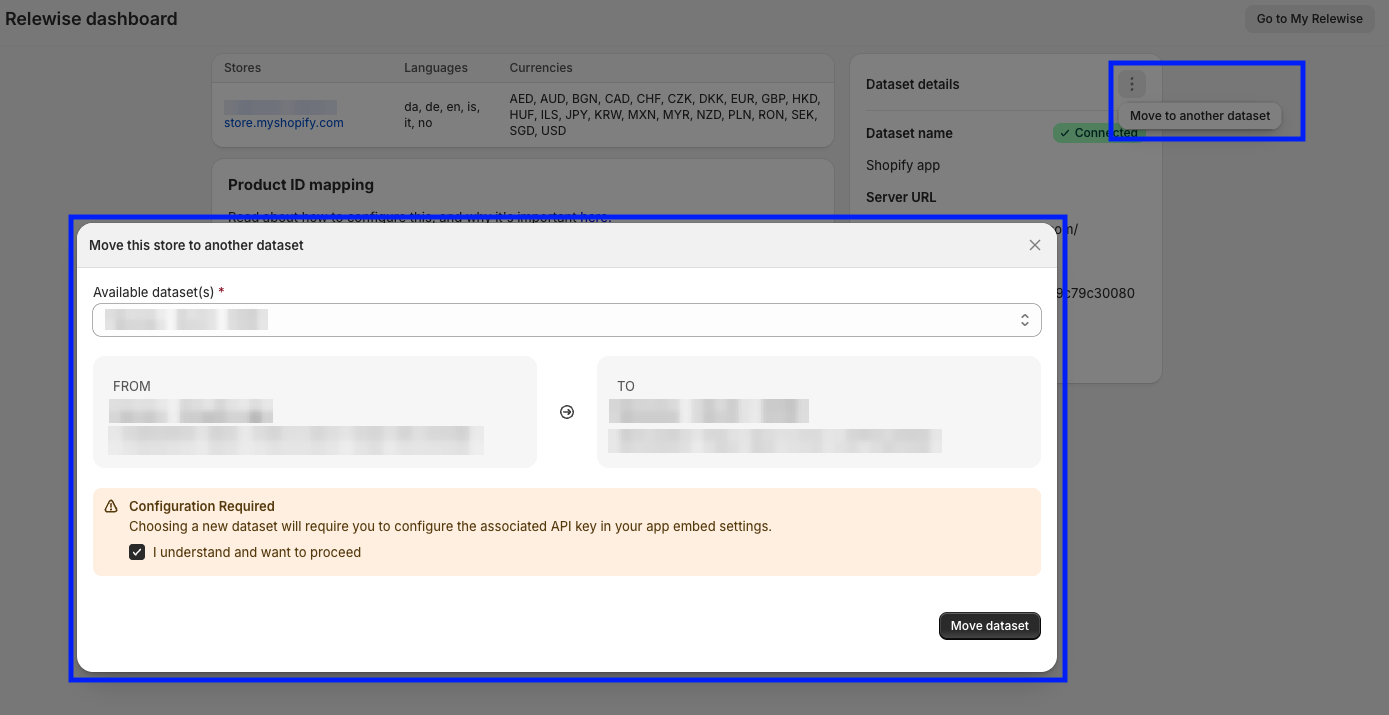
If you need to move your Shopify setup from one Relewise Dataset to another, you can do it in the "Dataset Details" menu:
- Make sure you are authenticated with My Relewise, so the app can fetch your available Datasets.
- Click on the vertical menu icon → Move to another Dataset.
- Pick the target Dataset from the list. The app shows a FROM/TO summary so you can confirm the destination.
- Confirm the move to reconnect the store to the selected Dataset.