Appearance
Shopify App: Installation Guide
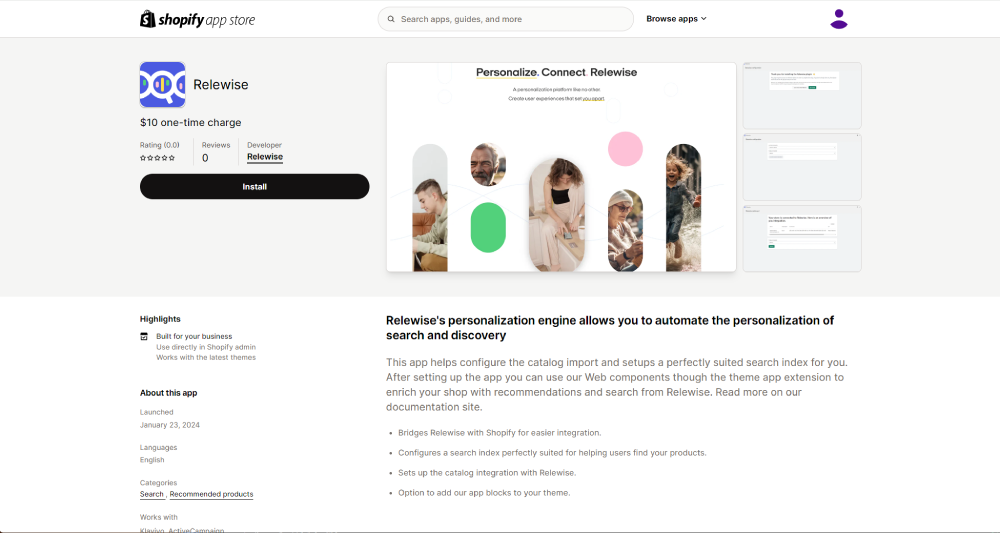
To install the Shopify app, find it in the Shopify App Store and click the Install button.
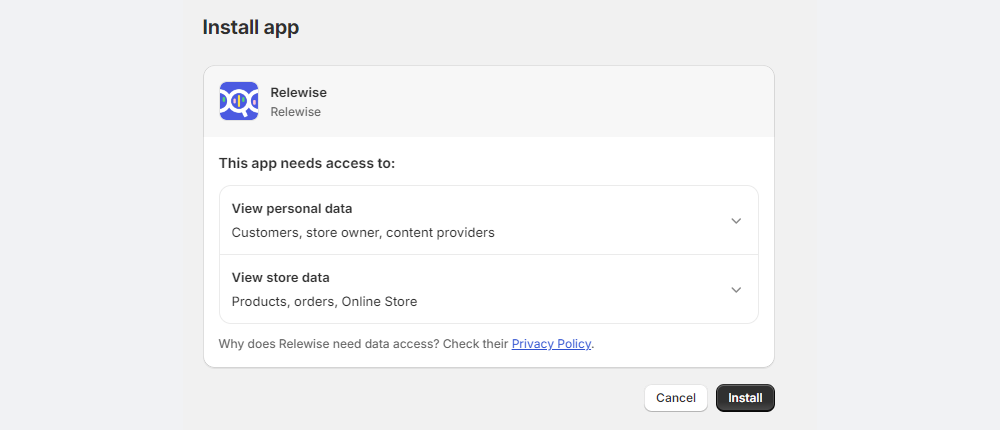
The App requests permission to access data in your Shopify shop; if you wish to read more about what Relewise does with this data, follow the explanatory link on the page, or read our Privacy Policy.
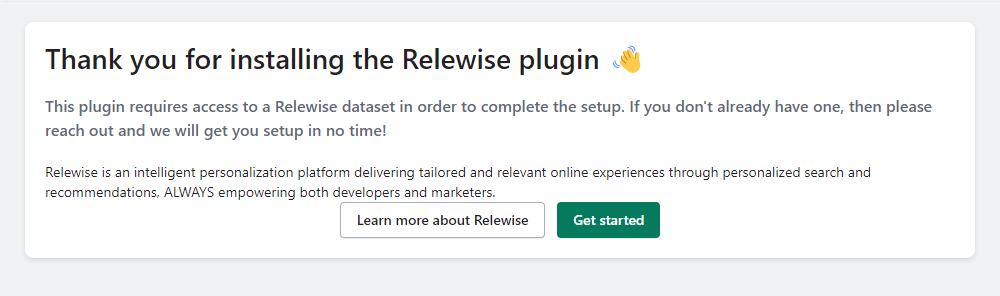
Once you have accepted the permissions request, the App will be installed and ready for configuration. Click the Get started button to connect the App to your Relewise Dataset.
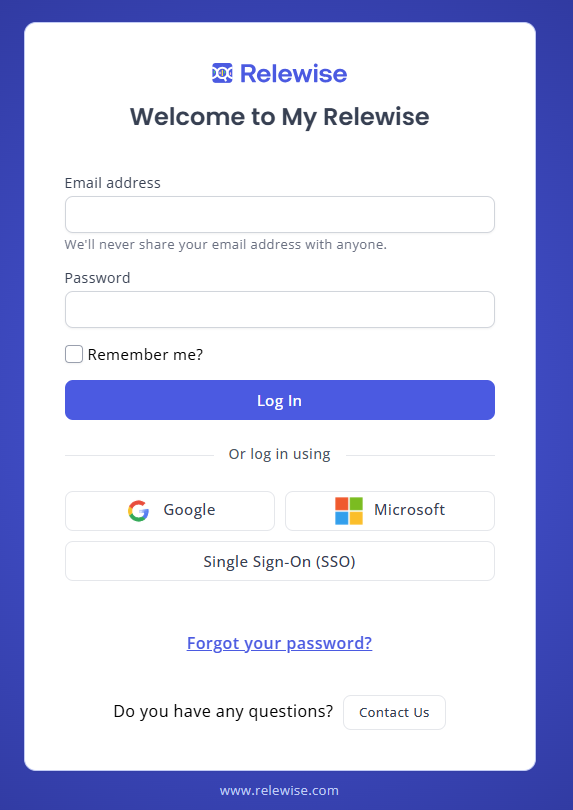
The App prompts you to log into your My Relewise account. This login will have been provided to you upon your signing up for Relewise. If you have issues with your login, try resetting your password with the Forgot Your Password feature, or reach out to us if it still does not work.